Acquisition & conversion · Practical guide
Visits, but few inquiries: how can you improve your quote page?
An ad can attract clicks without generating inquiries. Before increasing the budget, check what happens between the promise in the ad and the receipt of a form. The problem may be with the messaging, the user journey, or the measurement.

Key takeaway
First, test submitting a complete inquiry on mobile. Then compare the steps in the user journey: landing on the page, starting the form, inquiry recorded, and follow-up.
Keep the same promise in the ad and on the page
A visitor who clicks on an offer for website creation wants to understand that offer. If they land on a general page featuring many services, they have to figure out where to go all over again. Make the advertised service visible and clearly explain the next step.
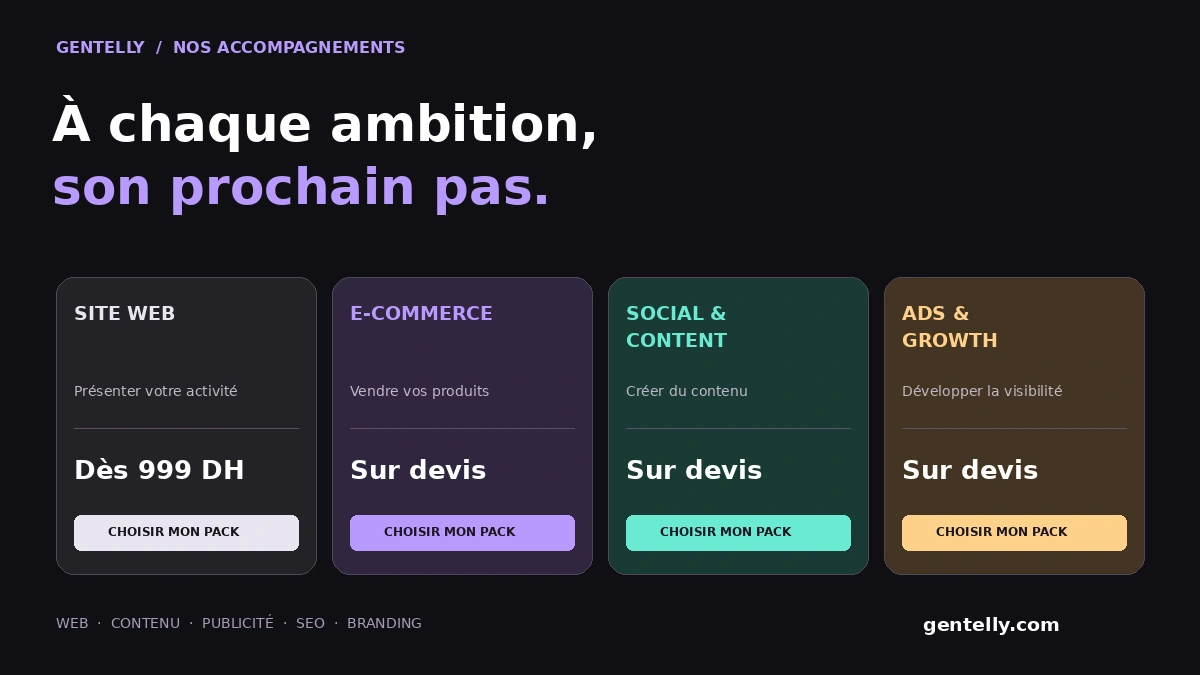
When the ad says “starting at,” the page should make it clear that the quote depends on the specific needs. Avoid making different promises in the two places. An interested person should know what they are asking for and what will be offered after they submit the form.
Test the user journey on a real phone
Open the exact ad link on a phone. Is the headline easy to read? Is the button easy to spot? Does the form work without zooming or horizontal scrolling? Also check how it behaves when the connection is slower than the one used to build the site.
Submit a clearly identified test inquiry and check that it comes through. Repeat the test with a required field missing and an invalid phone number: the error message should explain the problem and preserve the information already entered. Visitors should not have to retype everything after an error.
- The link takes visitors directly to the right page.
- Fields have visible, easy-to-understand labels.
- The button states the action: “Request my quote.”
- Errors are easy to read, and the form retains the data.
- The confirmation appears only after the message has been recorded.
Ask for what you need to provide an initial response
Every field should serve a purpose in the initial contact. For a service quote request, a name, a way to get in touch, and the type of project may be enough to start. More detailed requirements can be provided in an optional field or discussed later.
Don’t shorten the form so much that you receive inquiries you can’t understand. If the service area or type of service determines whether you can respond, make it easy for people to provide that information. The goal is an actionable inquiry, not just a higher count.
Explain what happens next and provide concrete proof
Near the form, explain what the contact details are used for and what happens next. If you haven’t set a response time, don’t promise an immediate reply. A simple sentence saying that the team will get in touch to discuss the project may be enough to clarify the process.
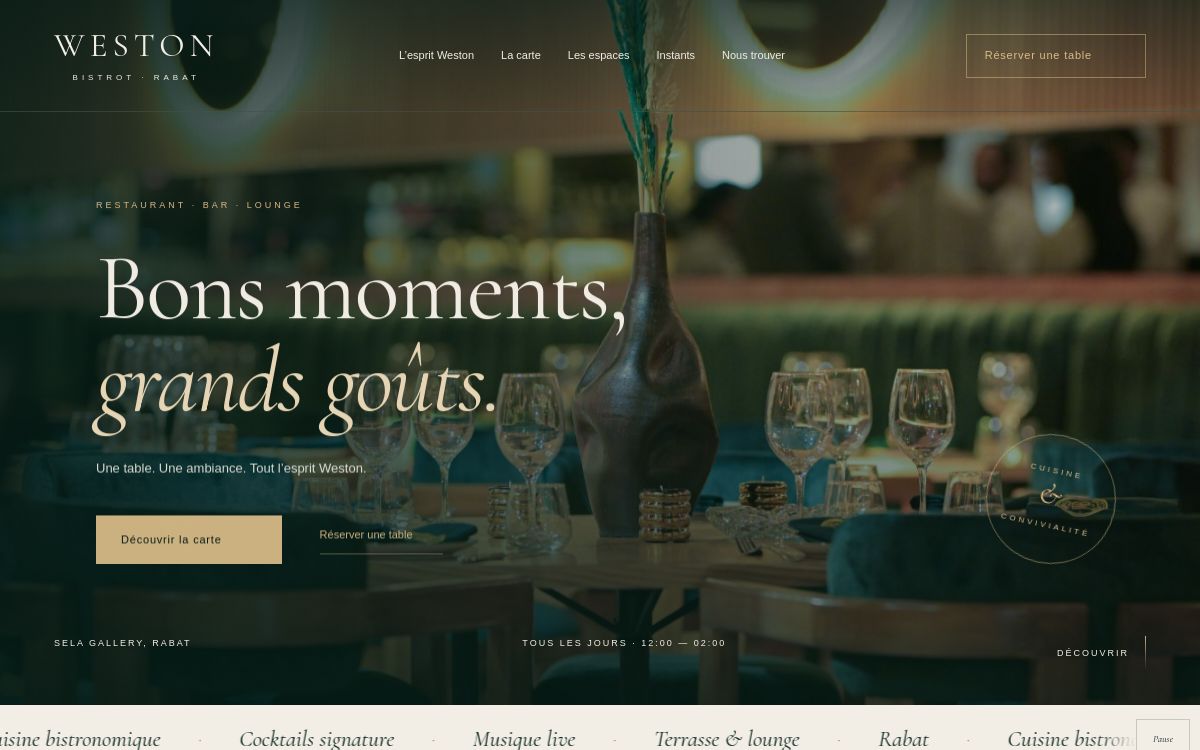
Show relevant work and explain its context. A restaurant may want to see an example of a menu or a booking system; a service business, an example of how an offer is presented. Present actual work without attributing commercial results to it that you can’t verify.
Measure a recorded inquiry, not a button click
Someone may click “Submit” even though a field is missing or an error prevents the form from being saved. Counting this click as an inquiry distorts how you interpret the results. Tracking should distinguish between a visit, a form start, and an inquiry that has actually been recorded.
Compare tracking data with the inquiries you actually receive. If a tool reports conversions but there are no corresponding messages, check when the event is triggered. If the messages exist but don’t appear in reports, review the tracking before concluding that the campaign isn’t generating anything.
Metrics don’t all describe the same thing. Cost per click measures a potential visit; cost per recorded inquiry measures a different result. To evaluate commercial quality, also record relevant inquiries, reachable prospects, and conversations that progress. These observations help you avoid making a decision based on just one number.
Improve one step at a time
Start with technical problems: a broken link, a form that isn’t received, or a misleading confirmation. Then improve the match between the ad and the page. Finally, try a clearer presentation or better-suited fields. Note the change and the observation period so you can compare results.
When there are few inquiries, a short period can give a misleading impression. Avoid attributing every change to the latest update. Combine the numbers with user journey tests and the questions your prospects ask. These often reveal what information is missing before they get in touch.
| Observation | First thing to check |
|---|---|
| Clicks, but few visits to the page | Link used and loading on mobile. |
| Visits, but few form starts | Clarity of the offer and visibility of the call to action. |
| Forms started, but few inquiries | Fields, errors, and recording. |
| Inquiries received, but few useful conversations | Fit of the offer and response process. |
Frequently asked questions
Should I increase the budget if no inquiries are coming in?
First check the link, whether the form is being recorded, and whether the offer matches the page. Increasing the budget won’t fix a user journey that’s blocking visitors.
What does Lead mean for a quote form?
In this user journey, an inquiry should be counted after it has been successfully recorded. A page visit or a button click doesn’t prove that you received a prospect.
What conversion rate should I aim for?
There is no single target that suits every business. Compare your own user journey over time and the quality of the inquiries, using consistent definitions and time periods.
This guide was prepared with AI assistance for writing and formatting. Requirements and services must be confirmed for your project.